2020 Nissan Rogue: Forward Collision Warning Light Blinking?
If you’re driving an older Nissan Rogue and notice the forward collision warning light blinking, you’re likely trying to understand what the signal means and whether it requires attention. This light is part of the vehicle’s driver-assistance system and is designed to communicate specific conditions to the driver. How The Forward Collision Warning System Works […]
If you’re driving an older Nissan Rogue and notice the forward collision warning light blinking, you’re likely trying to understand what the signal means and whether it requires attention. This light is part of the vehicle’s driver-assistance system and is designed to communicate specific conditions to the driver.
How The Forward Collision Warning System Works
The Nissan Rogue available in Canada has a forward collision warning system that uses sensors to monitor traffic conditions ahead of the vehicle.
The system typically relies on:
- A forward-facing radar sensor
- Additional inputs from vehicle speed and braking systems
Its purpose is to:
- Detect vehicles ahead
- Monitor relative speed and distance
- Alert the driver if a potential forward collision risk is identified
When the system detects a situation that requires attention, it provides visual and/or audible warnings.
What A Blinking Forward Collision Warning Light Means
A blinking forward collision warning light can indicate different states depending on when and how it appears.
Active warning situation
If the light blinks while driving and is accompanied by alerts, it may indicate that the system has detected a vehicle ahead and is warning of a potential closing distance.
In this case, the blinking light is part of normal system operation and is intended to prompt driver awareness.
Temporary system limitation
If the light blinks without an obvious traffic-related reason, it may indicate that the system is temporarily unable to operate as intended.
This can happen when:
- Sensors are obstructed
- Visibility conditions are reduced
- The system is adjusting to changing inputs
System status or interruption
In some cases, a blinking light may reflect that the system has been interrupted or is not fully active at that moment.
This does not necessarily mean a malfunction, but it indicates that the system is not currently providing full support.
Possible Causes Or Context
Several factors can cause the forward collision warning light to blink on a Nissan Rogue.
Environmental conditions
Driving conditions in Canada can affect sensor performance, including:
- Snow or ice buildup on the front of the vehicle
- Heavy rain or fog
- Road spray or dirt accumulation
These conditions can reduce sensor visibility and trigger temporary system limitations.
Sensor obstruction
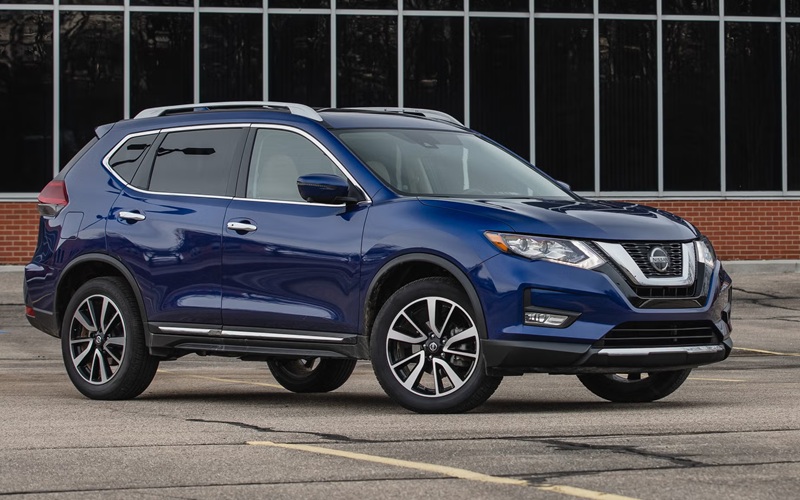
The radar sensor is typically behind the front grille area. If this area is covered or blocked, the system may not function normally.
Possible obstructions include:
- Snow, ice, or slush
- Dirt or debris
- Aftermarket accessories affecting airflow or coverage
Rapid changes in traffic conditions
The system continuously monitors vehicles ahead. If traffic conditions change quickly, the system may activate warnings, causing the light to blink.
Vehicle startup conditions
Shortly after starting the vehicle, the system may take a brief moment to initialize. During this time, indicator lights may behave differently until full operation is established.
Step-By-Step: Basic Checks You Can Do
If you notice the forward collision warning light blinking and want to better understand why, you can perform a few simple checks.
1. Inspect the front grille area
Check for:
- Snow, ice, or dirt buildup
- Anything covering the sensor area
Clean the surface if necessary.
2. Observe driving conditions
Consider whether the blinking occurs during:
- Poor weather
- Heavy traffic
- Low visibility situations
This can help determine if the system is reacting to environmental factors.
3. Restart the vehicle
Turn the vehicle off and restart it. This allows the system to reinitialize and may resolve temporary conditions.
4. Monitor frequency
Take note of how often the blinking occurs:
- Only in certain conditions
- Intermittently
- Continuously
This information helps identify whether the behaviour is situational or persistent.
5. Avoid covering the sensor area
Ensure that no accessories or modifications interfere with the front sensor location.
What To Check And What To Expect
Normal behavior:
- The light blinks briefly when the system detects a vehicle ahead
- Alerts are tied to real driving conditions
- The system returns to normal once conditions stabilize
Situations that may require attention:
- The light blinks continuously without clear reason
- The system appears unavailable for extended periods
- Warning indicators remain active even in clear conditions
What can vary:
- Sensitivity of the system depends on speed and distance
- Behaviour in different weather or lighting conditions
When Further Evaluation May Be Needed
If the forward collision warning light on your Nissan Rogue continues blinking under normal driving conditions without clear cause, further inspection may be appropriate.
This can include:
- Sensor calibration checks
- System diagnostics
- Software verification
These procedures require specialized equipment to ensure proper system operation.
Keep Your 2020 Nissan Rogue in Top Shape
If you’re asking about a blinking forward collision warning light on a Nissan Rogue, the indicator is typically part of the system’s normal communication, either warning of traffic conditions ahead or indicating temporary limitations due to environment or sensor input.
Basic checks like ensuring the sensor area is clean and observing when the blinking occurs, can help clarify the situation. If the behaviour continues without an obvious reason, a more detailed evaluation may be helpful.
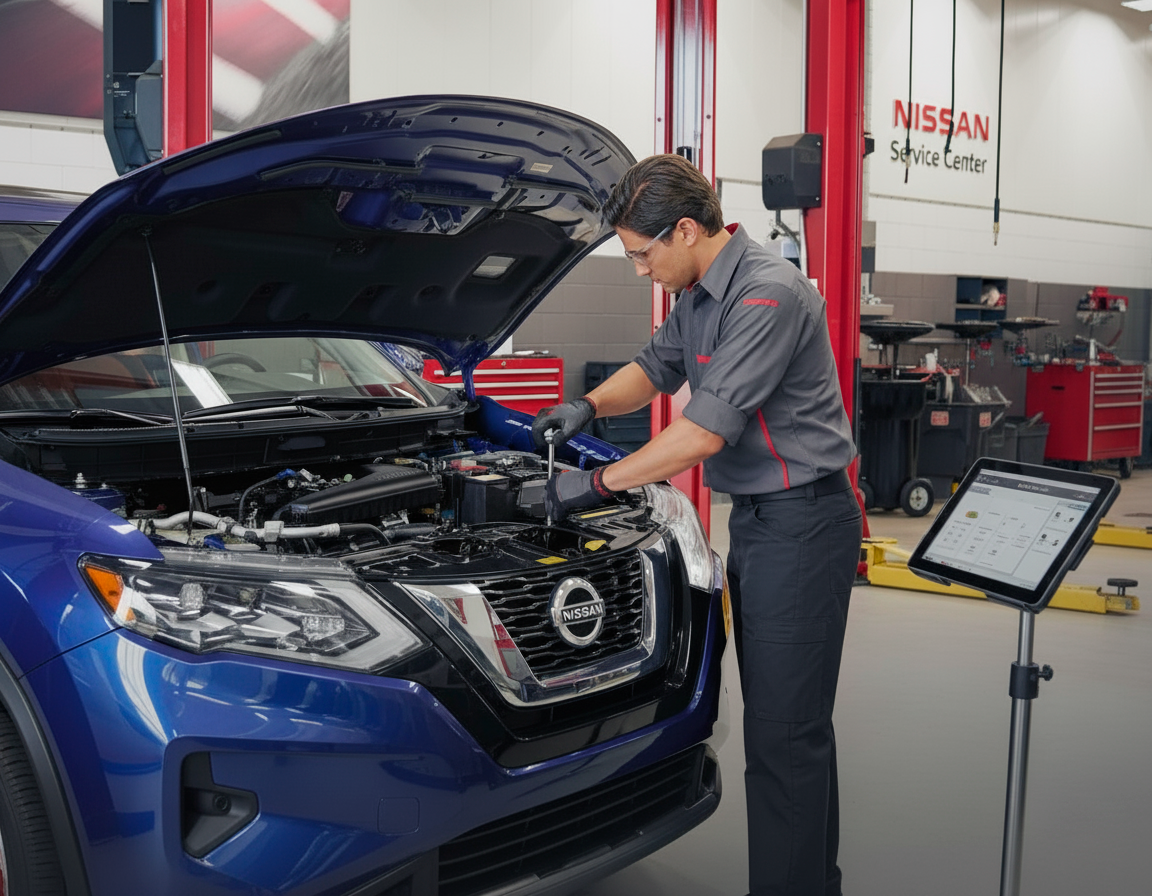
For accurate diagnosis and confirmation of proper system function, visiting an official Nissan dealership is recommended. They can assess the system and ensure it is operating as intended.
Disclaimer: Content contained in this post is for informational purposes only and may include features and options from US or internacional models. Please contact the dealership for more information or to confirm vehicle, feature availability.